
















The Uttar Pradesh Subordinate Services Selection Commission has turned on the link for the UPSSSC Junior Assistant City Intimation Slip for the Junior Assistant Mains Examination (12-Exam/2024), so people can see their exam city details and plan their travel and stay in time.
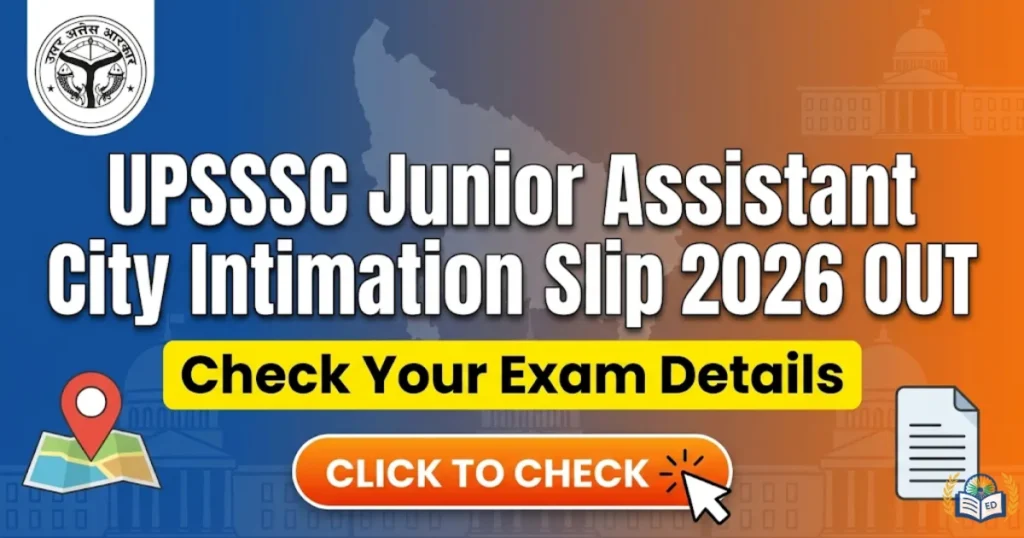
The UPSSSC Junior Assistant City Intimation Slip 2026 was shared on 22nd January 2026 for people who will appear in the Mains Exam under Advt No. 12-Exam/2024, and this paper helps them see their exam city early so they can plan their travel before the admit cards are given.
UPSSSC Junior Assistant City Intimation 2026
People are told that the UPSSSC Junior Assistant City Intimation Slip is only for checking the exam city and it cannot be used to enter the exam hall, and this hiring is being done to fill 3,284 Junior Assistant jobs with the written test set for 1st February 2026 in one shift at different exam centres across 9 districts.
| Organization | Uttar Pradesh Subordinate Services Selection Commission (UPSSSC) |
| Posts Name | Junior Assistant |
| Exam Name | 12-Exam/2024 |
| Vacancies | 3,284 (Revised from 2,702) |
| City Intimation Slip | 22nd January 2026 |
| Admit Card | 4th week of January 2026 |
| Exam Date | 1st February 2026 |
| Exam Timing | 10 am to 12 pm |
| Selection Process | Written Exam, Typing Test (Qualifying), Document Verification, Medical Examination |
| Official Website | www.upsssc.gov.in |
Also Read : OSPCB Recruitment 2026, Application Form Start
UP Junior Assistant Exam City Slip 2026 Link
People who will appear in the UPSSSC Junior Assistant exam on 1st February 2026 can use their Registration ID and Date of Birth on www.upsssc.gov.in to get the UPSSSC Junior Assistant City Intimation Slip, which shows their exam city along with the place, code, and other simple details.
How to Download UPSSSC Junior Assistant Exam City Slip?
- Visit the official UPSSSC website at www.upsssc.gov.in
- Click on the Admit Card link that says “Click here to view/download Exam City Intimation Slip for Advt. No. 12-Exam/2024”
- A login page will open on the screen
- Enter your Registration Number, Date of Birth, and Gender
- Fill in the Captcha code and submit it to see your slip