
















The RRB Section Controller Application Status has been released for candidates who applied for the CEN 04/2025 exam. The link to check the status is now active on the official website. Candidates also receive an SMS and an email on their registered mobile number and email ID to inform them about their application status.

A total of 368 vacancies were announced for the Section Controller post, and candidates who applied can now check their RRB Section Controller Application Status 2025 on the official website. The status will show whether the application is provisionally accepted, conditionally accepted with certain conditions, or rejected. If it is rejected, the reason for rejection will also be mentioned.
RRB Section Controller Application Status 2025 link
The RRB Section Controller Application Status 2025 will be available on the official website once the Railway Recruitment Board activates the link. Candidates can check their status on the portal after it goes live. A direct link will also be shared to make it easier for candidates to view their application status without searching through the website.
Details Informed Through RRB Section Controller Application Status 2025?
- Provisionally accepted- Whether the application is Provisionally Accepted, meaning it is found correct for now and the candidate can appear in the next stage (such as CBT), subject to final verification.
- Conditionally accepted (with some conditions)- Whether the application is Conditionally Accepted, which indicates the form is accepted but with certain conditions/remarks that may be verified later during document checking.
- Rejected- Whether the application is rejected, along with the reason for rejection
Steps to Check RRB Section Controller Application Status 2025
- Visit the official application portal at www.rrbapply.gov.in.
- Click on the link for “CEN 04/2025 Section Controller – Application Status” if it appears on the homepage or login page.
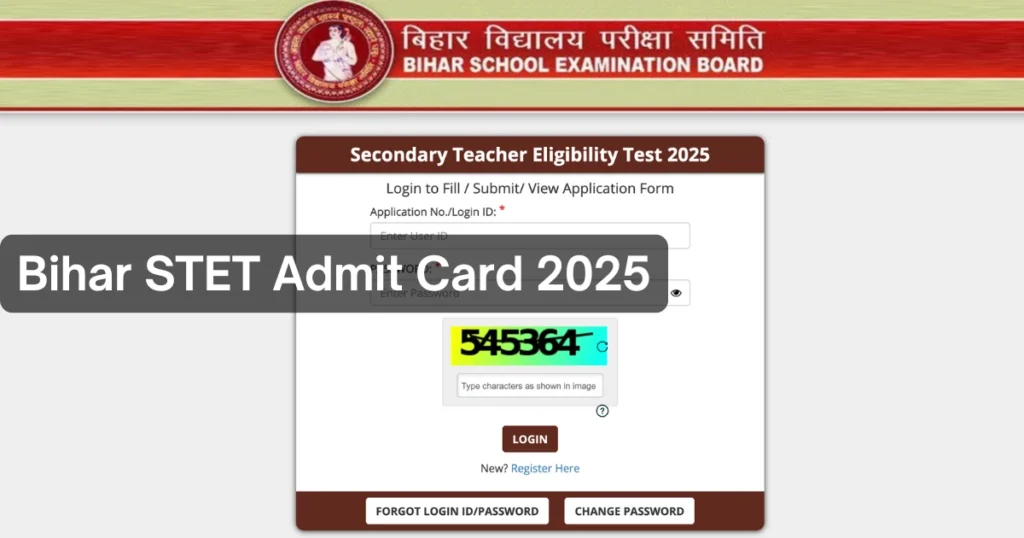
- Enter your User ID or Registration Number and your Password or Date of Birth.
- Fill in the captcha or security code if shown, then click the Login button.
- After logging in, view your Application Status to see if it is Provisionally Accepted, Conditionally Accepted, or Rejected with reasons.
- Take a screenshot or print the status page for your records, especially if your form is conditionally accepted or rejected.