









Delhi Technological University has released the DTU Delhi Non Teaching Admit Card on 8th January 2026 on its official website https://dtu.ac.in/. Candidates who applied for the exam under Advertisement No. 03/2025 can download their admit card using the link given in the article to see their exam centre details and read the exam instructions.
The online exam for Junior Office Assistant and Office Assistant or Data Entry Operator will be held on 12th January 2026 in two shifts. The Junior Office Assistant exam will run from 1 pm to 3 pm, and the Office Assistant or DEO exam will be held from 5 pm to 7 pm. To take part in the exam, candidates need to download the DTU Delhi Non Teaching Admit Card 2026 by using their user ID and password.
| Conducting Body | Delhi Technological University (DTU) |
| Post Name | Junior Office Assistant (JOA) and Office Assistant (OA) / Data Entry Operator (DEO) |
| Vacancy | 66 |
| Admit Card Release Date | 8th January 2026 |
| Exam Date | 12th January 2026 |
| Shift Timings | JOA: 1 pm to 3 pm Office Assistant (OA)/DEO: 5 pm to 7 pm |
| Selection Process | Written Exam, Skill Test and DV |
| Official website | https://dtu.ac.in/ |
DTU Delhi Non-Teaching Admit Card 2026 Download link
The DTU Delhi Non Teaching Admit Card2026 can be downloaded from the official website of Delhi Technological University or by using the direct link given below. Candidates will also get information on their registered mobile number and email about downloading the admit card. They should carefully check the exam centre name, exam date, and timing, and make sure to reach the exam centre before the given time.
Steps to Download the DTU Delhi Non-Teaching Hall Ticket 2026
- Visit the official website of Delhi Technological University at https://dtu.ac.in/.
- On the homepage, click on the link that says “Download DTU Admit Card for the post of JOA and OA vide Advt. no. 03/2025. Examination Schedule on 12.01.2026” under Important Updates.
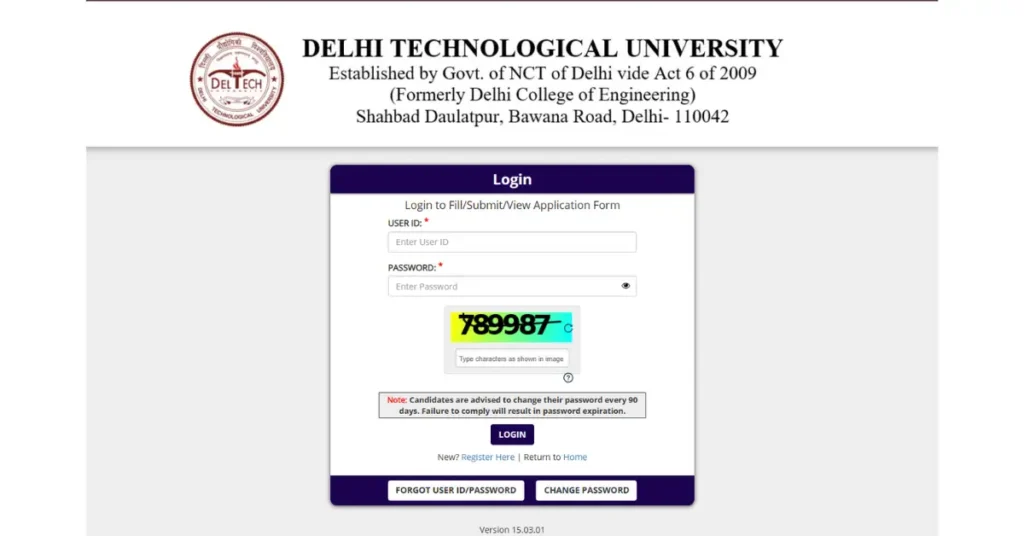
- You will be taken to the DTU admit card login page.
- Enter your user ID and password, then fill in the captcha code.
- Submit the details and your admit card will appear on the screen.
- Save the admit card as a PDF and take two or three printouts for the exam on 12th January 2026.