
















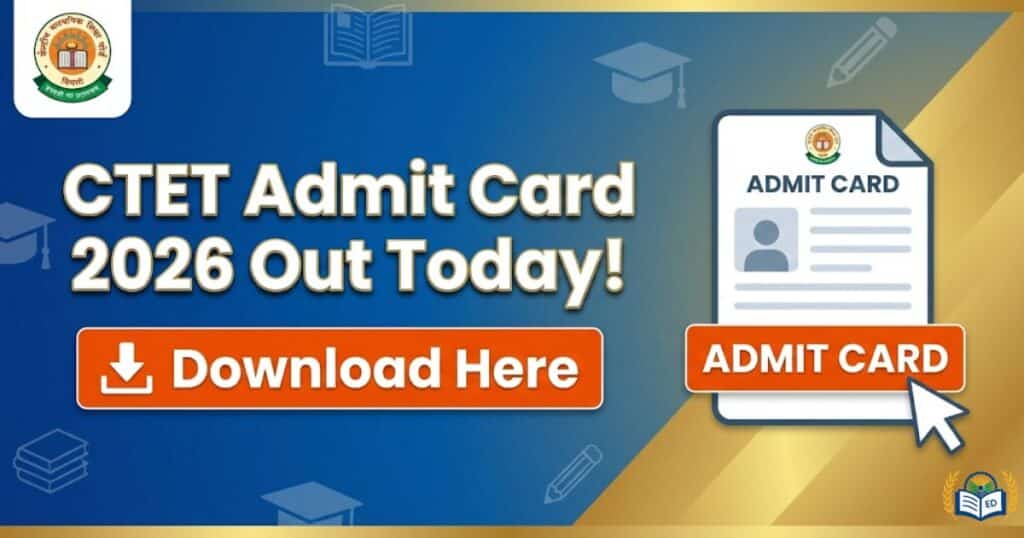
CTET Admit Card 2026 : The Central Board of Secondary Education will release the admit card today, 5th February 2026, for candidates registered for the February session, and this update is shared as the CTET Admit Card for those appearing in the exam. It is an important document needed to enter the exam and can be downloaded from the official website www.ctet.nic.in, where candidates can also see the full exam schedule and related details.
CTET Admit Card 2026- Important Dates
More than 25 lakh candidates have registered this year for the Central Teacher’s Eligibility Test 2026, and the exam will be held offline using OMR sheets on 7th and 8th February. The CTET Admit Card is released 2 days before the exam date, that is on 5th February 2026, for candidates to download and use for entry to the exam.
| Events | Dates |
| Admit Card Release Date | 5th February 2026 |
| Last Date to Download Admit Card | 8th February 2026 |
| CTET Exam Date | 7th and 8th February 2026 |
| Result | February/March 2026 |
CTET February Admit Card 2026 Overview
| Particulars | Details |
| Exam Conducting Body | Central Board of Secondary Education (CBSE) |
| Exam Name | Central Teacher Eligibility Test (CTET February 2026) |
| Mode of Admit Card | Online |
| Mode of Exam | Offline (OMR-Based) |
| Candidates Registered | 25,30,436 |
| Exam Duration | 150 minutes (2.5 hours) |
| Shift Timing | Paper 2- 9:30 am to 12 noon Paper 1- 2:30 pm to 5 pm |
| Exam Centres | Across India |
| Official Website | www.ctet.nic.in |
CTET Admit Card 2026 Download Link
The official link to download the hall ticket is now active on the website www.ctet.nic.in, and this update is shared as the CTET Admit Card for candidates whose exam is on 7th and 8th February 2026. They can use the direct link shared below to download it instead of going through the website.
How to Download CTET Feb 2026 Admit Card?
- Visit the official CTET portal: https://ctet.nic.in
- Find the link “CTET Admit Card 2026 – Download Hall Ticket” on the homepage
- Enter your Application Number or Registration ID and Date of Birth
- Fill in the Security or Captcha code
- Click on Submit to view your admit card
- Save the file and print 2–3 copies for exam day use