
















Candidates can now download the CG TET Admit Card 2026 from the official website of CG Vyapam at https://vyapam.cgstate.gov.in, as it has been released on 19th January 2026. The examination is scheduled to be held on 1st February 2026.
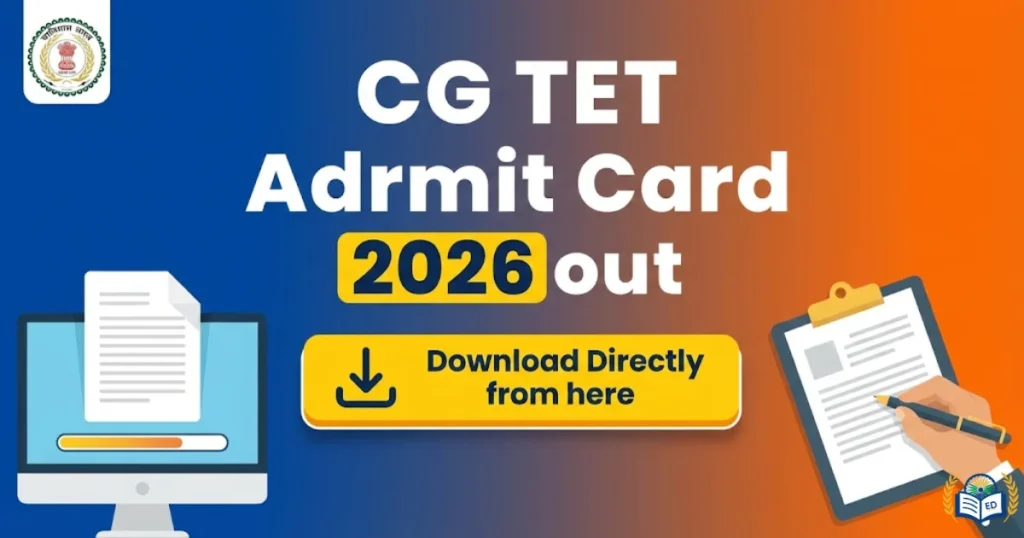
The Chhattisgarh Professional Examination Board has issued the CG TET Admit Card 2026 on 19th January 2026 on the official website https://vyapam.cgstate.gov.in. This admit card is for the teacher eligibility exam scheduled on 1st February 2026. Candidates who have applied for the exam can visit the website and download their admit card to check their exam details.
CG TET Admit Card 2026
Both exams for teaching classes 1 to 5 and classes 6 to 8 will be held on the same day, 1st February 2026, in two shifts, with the first shift from 9:20 am to 12:15 pm and the second shift from 3 pm to 5:45 pm. Candidates who are appearing in the exam need to download their admit card using their registered mobile number and password. To enter the exam centre, they must carry the admit card along with a valid photo ID proof.
CG TET Admit Card 2026- Overview
| Exam Conducting Body | Chhattisgarh Professional Examination Board (CGPEB) |
| Exam Name | Chhattisgarh Teacher Eligibility Test |
| Admit Card | 19th January 2026 |
| CG TET Exam Date | 1st February 2026 |
| Duration of Exam | 150 Minutes |
| Shift Timings | Shift 1- 9:20 am to 12:15 pm Shift 2- 3 pm to 5:45 pm |
| Mode of Exam | Offline |
| Certificate Validity | Lifetime |
| Official website | https://vyapam.cgstate.gov.in |
Also Read : India Post GDS Recruitment 2026
CG TET Admit Card 2026 Download Link
The official link to download the CG TET Admit Card 2026 was opened on 19th January 2026. Candidates should download the admit card and carefully check all the details written on it. A direct link is also given here to make it easy to get the admit card.
How to Download the CG TET Admit Card 2026?
- Visit the official website at https://vyapam.cgstate.gov.in.
- On the homepage, click on the link “CG Admit Card 2026.”
- Enter your registration number and password to log in.
- After logging in, the admit card will appear on the screen.
- Click on “Download” to save the PDF file.
- Take a printout of the admit card for future use.